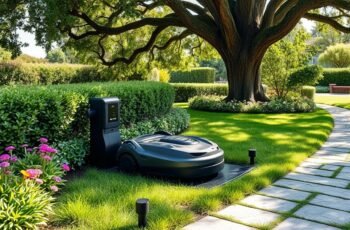
Many users overlook the importance of regularly inspecting the contact points on their robot mower’s docking station, which can gradually degrade power transfer efficiency. Ensuring these connections are clean, secure, and free from corrosion is essential for consistent operation. Small debris or loose cables may seem insignificant but can cause significant docking failures over time. Proper maintenance involves detailed checks and timely component replacements, yet understanding exactly when and how to perform these tasks can be complex—so, let’s explore the vital steps to keep your system running smoothly.
Key Takeaways
- Regularly clean contact points and sensors to ensure proper power transfer and obstacle detection.
- Inspect electrical connections for corrosion, looseness, and secure cables to prevent disconnections.
- Remove debris and obstructions from the docking area to maintain smooth robot docking and sensor accuracy.
- Keep firmware and hardware components updated; replace worn parts like batteries and contacts proactively.
- Troubleshoot issues promptly and seek professional support for persistent malfunctions or hardware repairs.
How to Clean and Inspect Your Docking Station for Optimal Performance
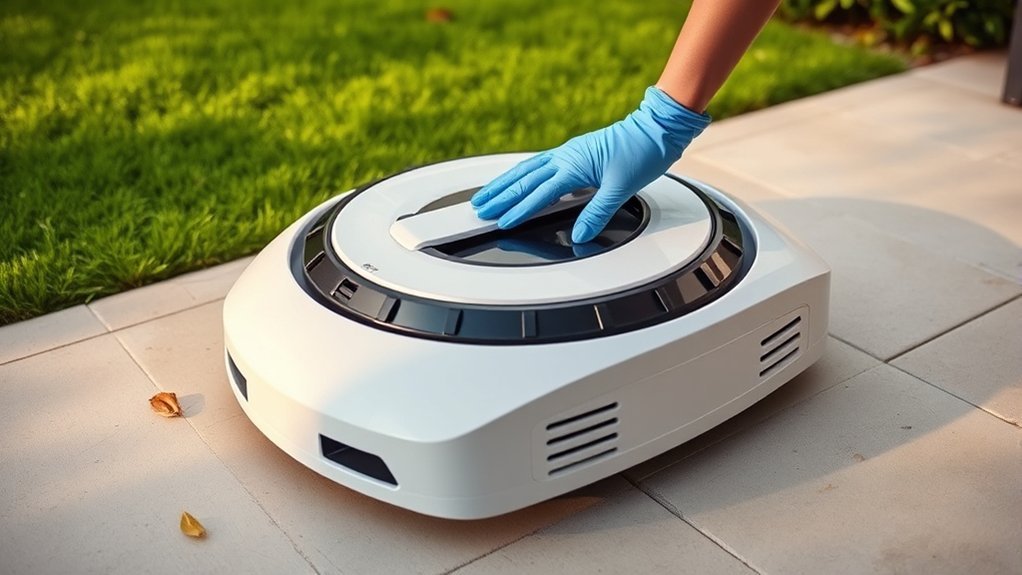
Regular cleaning and inspection of your docking station are essential to maintain reliable robot mower operation. We recommend starting with a thorough check of the station’s contact points, making sure they are free of debris, dirt, or corrosion, which can impair power transfer. Conduct battery calibration periodically to optimize charging accuracy, preventing misalignment issues that could hinder docking. Software updates should also be applied promptly to improve compatibility and fix bugs affecting station performance. Inspect the station’s sensors and alignment guides, confirming they are unobstructed and correctly positioned. Proper calibration and current software versions ensure seamless communication between the mower and the docking station, reducing downtime and maintaining efficiency. Regularly performing these detailed inspections guarantees dependable operation and prolongs the lifespan of your system.
Checking and Securing Electrical Connections and Cables
Ensuring all electrical connections and cables are properly checked and secured is vital for consistent docking station performance. We meticulously inspect each connection point for corrosion, fraying, or looseness, as compromised connections can lead to electrical safety hazards or intermittent operation. Proper cable management is essential; we secure cables using cable ties or clips to prevent strain, tangling, or accidental disconnection during station use or maintenance. We verify that power cords are routed away from water sources and high-traffic areas to minimize damage risk. Additionally, we confirm that all wiring conforms to manufacturer specifications and safety standards, reducing potential electrical safety issues. Regularly maintaining these connections guarantees reliable docking, enhances safety, and prolongs the lifespan of your robot mower docking station.
How to Remove Debris and Prevent Obstructions in the Docking Area
To maintain ideal docking station functionality, it’s essential to systematically remove debris and prevent obstructions in the docking area. Regular debris clearance ensures sensors and contact points remain unobstructed, optimizing mower docking accuracy. Prevention involves inspecting the area for potential obstructions such as sticks, leaves, or uneven surfaces that could impede the mower’s approach. Use the following table to identify common debris and obstruction sources and preventative measures:
| Debris / Obstruction | Prevention Strategy |
|---|---|
| Fallen leaves | Clear frequently during fall |
| Sticks or small branches | Remove manually or trim nearby plants |
| Dirt or mud | Keep area dry and clean, check after rain |
| Uneven surface | Level ground for smooth docking |
Consistent debris clearance and obstruction prevention maintain reliable docking, reducing downtime and mechanical issues.
Tips for Updating and Replacing Components When Necessary
When components of a robot mower docking station show signs of wear or malfunction, timely updates and replacements are essential to maintain peak operation. Regularly assess key parts such as the battery and control modules. For instance, perform battery replacement when capacity diminishes or charging becomes inconsistent. Keep firmware current with software updates to enhance compatibility and security. Additionally, inspect electrical contacts for corrosion and replace worn-out power connectors. Guarantee sensors and communication interfaces are clean and functioning correctly. Consider replacing outdated hardware components proactively to prevent unexpected failures. Proper documentation of maintenance intervals supports peak performance. Staying on top of these updates minimizes downtime and prolongs station lifespan, ensuring reliable, efficient robot mower operation.
Troubleshooting Common Docking Station Issues and When to Call a Professional
While many docking station issues can be resolved through basic troubleshooting, persistent or complex problems often indicate underlying hardware or software failures that require professional intervention. Common signs include inconsistent charging, delayed response to software updates, or reduced battery lifespan of the robot mower. When encountering issues like misalignment, faulty contact points, or persistent error codes, it’s vital to assess whether hardware components are damaged or if outdated software is causing malfunctions.
| Issue | Recommended Action |
|---|---|
| Battery lifespan decline | Consult a technician for potential replacement |
| Software update failure | Seek professional support to guarantee proper installation |
| Misalignment or contact issues | Professional realignment or repair |
| Persistent error codes | Diagnostic evaluation by a technician |
| Hardware damage | Immediate professional repair or replacement |
Frequently Asked Questions
How Often Should I Perform Maintenance on My Docking Station?
We recommend inspecting your docking station monthly for debris, checking battery contacts to preserve battery life, and installing firmware updates promptly; this guarantees peak performance, prolongs hardware lifespan, and maintains smooth communication between the station and your mower.
Can I Upgrade My Docking Station for Better Compatibility?
We can upgrade our docking station for better compatibility, boosting wireless connectivity and power efficiency. We carefully consider hardware enhancements, ensuring seamless integration and ideal performance, ultimately maximizing our robot mower’s productivity and reliability.
What Safety Precautions Should I Take During Maintenance?
During maintenance, we prioritize electrical safety by disconnecting power sources and wearing insulated gloves. We handle component replacement with precision, guaranteeing all connections are secure and avoiding static discharge, to prevent damage and ensure reliable operation.
Are There Eco-Friendly Cleaning Options for the Docking Station?
Did you know eco-friendly cleaning reduces chemical runoff by 30%? We use sustainable maintenance practices, including biodegradable cleaners and microfiber cloths, to guarantee our docking station stays clean while minimizing environmental impact effectively.
How Do I Store My Docking Station During Off-Season Periods?
During seasonal storage, we recommend disconnecting power, thoroughly cleaning the dock station, and ensuring dry, cool conditions. Store in a protected environment to prevent dust and moisture buildup, maintaining dock station protection for peak performance when reactivated.
Conclusion
Regular maintenance of our robot mower docking stations isn’t just about convenience; it’s rooted in ensuring peak performance and longevity. By meticulously inspecting contact points, securing connections, and updating components, we reduce the risk of malfunctions. Some believe that ignoring routine checks could lead to costly repairs or system failures, but evidence suggests consistent upkeep considerably extends lifespan. Staying proactive with these technical practices guarantees our lawn systems operate reliably, saving time and preventing avoidable downtime.